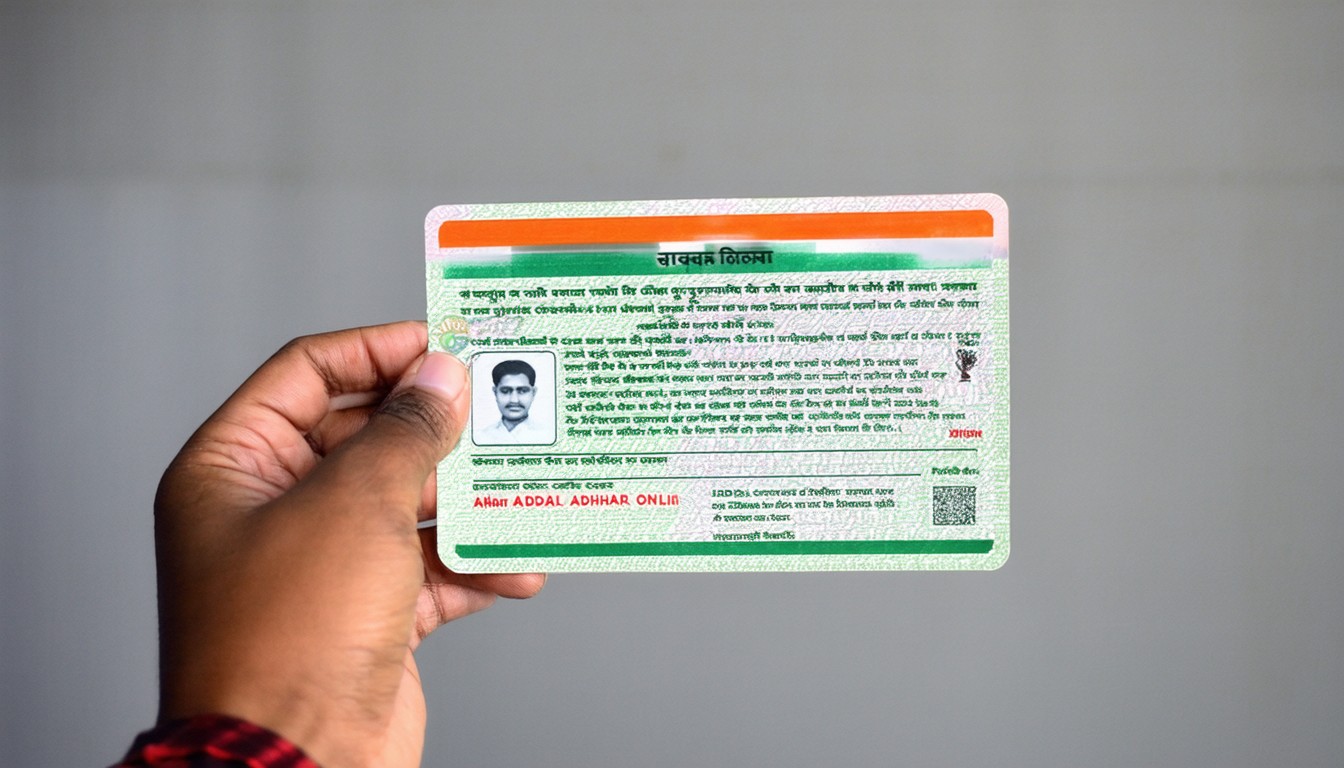
Adhar Card Download: Step-by-Step Guide to Download Your Aadhaar Card Online
India’s Aadhaar card program, overseen by the Unique Identification Authority of India (UIDAI), is one of the most widespread digital identity initiatives globally. More than a billion residents utilize Aadhaar for accessing government subsidies, filing taxes, and verifying identities across public and private sectors. In our increasingly digital environment, the ability to download your Aadhaar card online—also known as “e-Aadhaar”—streamlines access while preserving essential privacy and security standards.
While urban tech-savvy users may take online access for granted, even those in smaller towns or rural regions are increasingly using digital methods to obtain and present proof of identity. The UIDAI’s mechanisms for Aadhaar card download are crucial components of India’s wider digital infrastructure, underpinning everything from welfare delivery to fintech.
Why Download Your Aadhaar Card Online?
Convenience Meets Critical Identity Requirements
The Aadhaar card is more than just an identity document. It is a gateway to a variety of services, ranging from opening a bank account to securing mobile SIM cards and accessing government-sponsored benefits. Misplacing the physical card or requiring a fresh copy for documentation purposes can pose real-world hurdles.
Here’s where the online download option stands out. Through UIDAI’s digital platforms, residents can quickly download their Aadhaar in electronic form—instantly printable, widely accepted, and tamper-evident.
“The e-Aadhaar is digitally signed by UIDAI and is as valid as the Aadhaar letter delivered by post.”
— UIDAI Official Notification
This flexibility is not just about convenience. It signals the ongoing digital transformation of service delivery, aligning with broader digital India goals.
Step-by-Step Guide: How to Download Aadhaar Card Online
1. Gather Key Details Beforehand
To initiate the adhar card download process, you’ll need one of the following:
– Aadhaar Number (12-digit unique number)
– Enrolment ID (EID), if your Aadhaar number is not yet generated
– Virtual ID (VID), as an alternative identifier
Ensure your registered mobile number is active, as it will be needed for authentication via OTP (One-Time Password).
2. Visit the Official UIDAI Portal
Navigate to the UIDAI’s official website: https://uidai.gov.in or the direct e-Aadhaar portal.
3. Enter Your Credentials
- Select the “Download Aadhaar” service.
- Input your Aadhaar Number, VID, or EID.
- Enter the Captcha security code as displayed.
4. Authenticate Using OTP
UIDAI will send a one-time password to your registered mobile number. Enter this OTP in the required field to validate your identity.
5. Download the PDF
Once verified, your e-Aadhaar will be available as a secure PDF. The file is password-protected, typically using a combination of the first four letters of your name (in capital letters) and your year of birth.
Beyond basic access, the electronic Aadhaar is legally valid for all official purposes in India, per government notifications and judicial backing.
Common Issues and Troubleshooting When Downloading Aadhaar
OTP Not Received or Mobile Number Outdated
A recurring hurdle is the non-receipt of OTPs. This often results from an outdated or dormant phone number not linked to your Aadhaar record. In such cases, updating your number at an Aadhaar enrolment center is necessary. UIDAI emphasizes safeguarding against unauthorized access by tying digital downloads to active, registered numbers.
Technical Glitches and Browser Compatibility
Sometimes, delays or failed downloads are related to browser compatibility, server traffic, or technical maintenance on the portal. Trying alternative browsers, clearing cache, or revisiting during off-peak hours can resolve most minor issues.
Forgotten PDF Password
Many users are unsure how to access the downloaded e-Aadhaar file since it’s password-protected for security. The structure—first four letters of your name (as per Aadhaar) and your birth year—is designed for both privacy and recall.
e-Aadhaar vs. Physical Aadhaar: Acceptance and Advantages
Legal Status and Digital Acceptance
With the rise of digital signatures and e-governance, the e-Aadhaar document, digitally signed by UIDAI, holds the same validity as the physical letter. Both bank officers and government personnel are mandated to recognize downloaded Aadhaar in digital or even printed form.
When the Digital Copy Has Added Value
Beyond portability, the digital Aadhaar is less prone to wear and tear and can be quickly reprinted if misplaced. It also reduces dependency on postal delivery timelines or the risks associated with physical document loss—a significant advantage for students, job seekers, and urban migrants who relocate frequently.
The Road Ahead: Digital Identity in India
India’s digital identity ecosystem has become a benchmark for emerging economies seeking to streamline service delivery and reduce fraud. The widespread adoption of digital Aadhaar card downloads is a testament to both growing digital literacy and institutional backing for e-governance.
“Mass digital adoption is no longer a dream for India’s public systems—it’s an observable trend,” notes R.S. Sharma, former UIDAI chief.
“Digitally empowered citizens drive the next wave of public service reforms, and tools like e-Aadhaar are central to this vision.”
As the government continues expanding Aadhaar-linked services, seamless access to digital copies will remain a key enabler for inclusivity and convenience.
Conclusion
Downloading your Aadhaar card online is not just about convenience—it symbolizes India’s larger journey toward a digitally fluent, service-oriented society. With robust authentication, universal acceptance, and user-centric design, the process balances security with ease of use. While some obstacles persist—especially regarding mobile number updates and internet access—the overall direction points toward ever-broader digital inclusion. Keeping your information updated with UIDAI and familiarizing yourself with e-Aadhaar download steps will help you seamlessly access services when needed.
FAQs
How can I download my Aadhaar card without my Aadhaar number?
You can use your Enrolment ID (EID) or Virtual ID (VID) to download your e-Aadhaar from the UIDAI portal if you do not have your Aadhaar number readily available.
Is the e-Aadhaar PDF valid everywhere?
Yes, the digitally signed e-Aadhaar downloaded from UIDAI’s website is valid for all purposes where Aadhaar is accepted, as per official government notifications.
What should I do if my registered mobile number is inactive?
You will need to visit a nearby Aadhaar enrolment or update center to update your mobile number. The download process requires OTP verification on your registered number for security.
Can I use mAadhaar mobile app for Aadhaar download?
Yes, the mAadhaar app is an official mobile application by UIDAI that allows you to download and store your Aadhaar digitally on your smartphone.
What is the format for the e-Aadhaar PDF password?
The password for your e-Aadhaar PDF is typically the combination of the first four letters of your name (in uppercase, as per Aadhaar) followed by your year of birth (YYYY).
What if I lose the printed Aadhaar again?
You can re-download your e-Aadhaar from UIDAI’s portal multiple times without restriction, ensuring uninterrupted access to your digital identity.